10 Mobile App Testing Tools Compared by Testing Need
Compare 10 mobile app testing tools by the testing needs they support: real devices, automation, crowd testing, and verified reports for release teams.
In this article
- 1. 99tests
- What a verified run shows
- 2. BrowserStack App Live
- 3. Sauce Labs
- 4. AWS Device Farm
- 5. Firebase Test Lab
- 6. Kobiton
- 7. TestingBot
- 8. HeadSpin
- 9. Appium
- 10. Maestro
- How the mobile app testing tools differ by model, staffing, pricing, and best use
- Match the Tool to the Gap in Your Release Plan
- How I would sequence the buy
A build is ready, the test cases are written, and the release date is fixed. Then a login flow fails on an older Android phone, or a layout breaks in Safari. Those failures point to different gaps: the first may need device-specific testing, while the second calls for browser coverage.
This guide groups mobile app testing tools by the work they support: manual exploration, automated regression, real-device compatibility, and verified coverage reporting. Data on mobile app adoption provides broader context on app use, but choosing test coverage comes down to the devices and journeys your release needs to support.
StatCounter's worldwide mobile operating-system data shows Android and iOS account for nearly all measured mobile operating-system usage. Android calls for coverage across a wider mix of manufacturers, screen sizes, OS versions, chipsets, and vendor interfaces. iOS still warrants planned testing across Apple's devices and software versions.
For each test case, record the operating system and version, device model, browser or embedded WebView, network condition, and result. An emulator can help with repeatable checks, but it does not show how the app behaves on a user's physical device. Choose tools based on the release risk you need to cover, and weigh each option's limits alongside its strengths.
1. 99tests
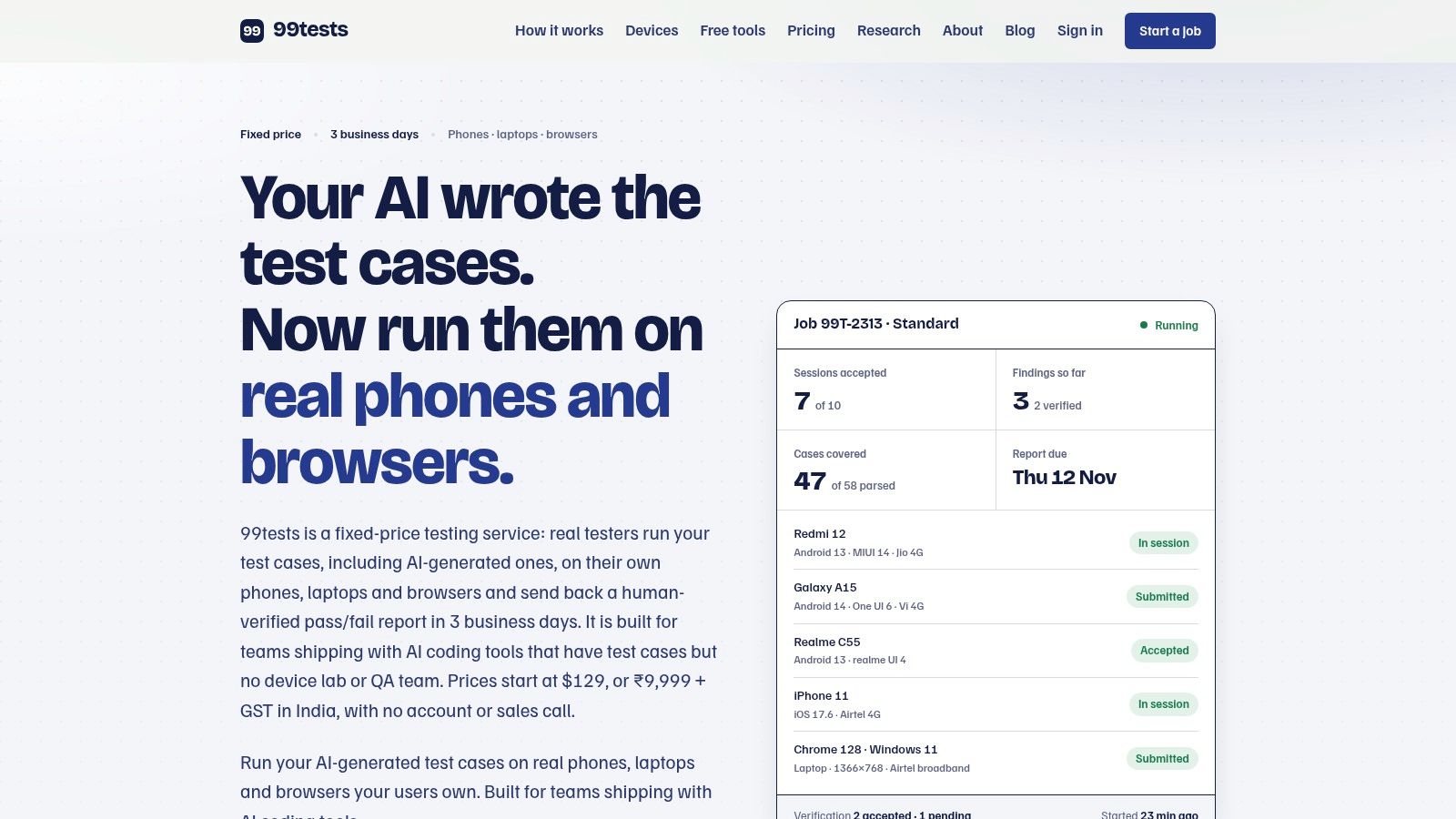
When your test cases are ready but your team lacks the devices to run them, 99tests provides crowdsourced manual execution on real phones, laptops, and browsers. You choose device brands, minimum operating systems, and browser targets. Testers use their own equipment and networks, including Redmi, Realme, Galaxy, Vivo, and iPhone devices.
What a verified run shows
Generated test cases still need execution evidence. 99tests runs customer-supplied cases, including cases generated by AI tools, and reports each as passed, failed, blocked, or unrun, with reasons for incomplete execution. Findings include reproducible steps, screenshots or recordings, and device and browser details.
- Starter: five 45-minute sessions across two targets, ₹9,999 + GST, with a report in 3 business days.
- Standard: ten 45-minute sessions across four targets, ₹18,999 + GST, with a report in 3 business days.
- Deep: twenty 90-minute sessions across six targets, ₹34,999 + GST, with a report in 5 business days.
Cases can be submitted as documents, spreadsheets, Markdown, or TestRail and Jira exports. Provide the app through an APK link, Google Play internal testing, TestFlight, or a web URL. Unfilled sessions become credits for subsequent jobs, and the same plan can be run against a new build. Testing and verification are separate: duplicate findings are merged, and severity is graded against a published rubric. See 99tests for package details.
Practical rule: If generated cases have not been run on customer devices, prioritize verified execution over generating more cases.
This suits manual execution and verified coverage reporting. You supply the cases, so it does not replace exploratory testing or automated regression. Fixed session and target limits apply, and matching an unusual device may take time. It also does not cover security testing, load testing, certification, or desktop-native apps.
2. BrowserStack App Live
When a bug appears on a device your team does not have, interactive access to a remote phone can help reproduce it. BrowserStack App Live provides hands-on access to remote physical Android and iOS devices. You control the app directly, which suits exploratory checks and investigation of a known issue.
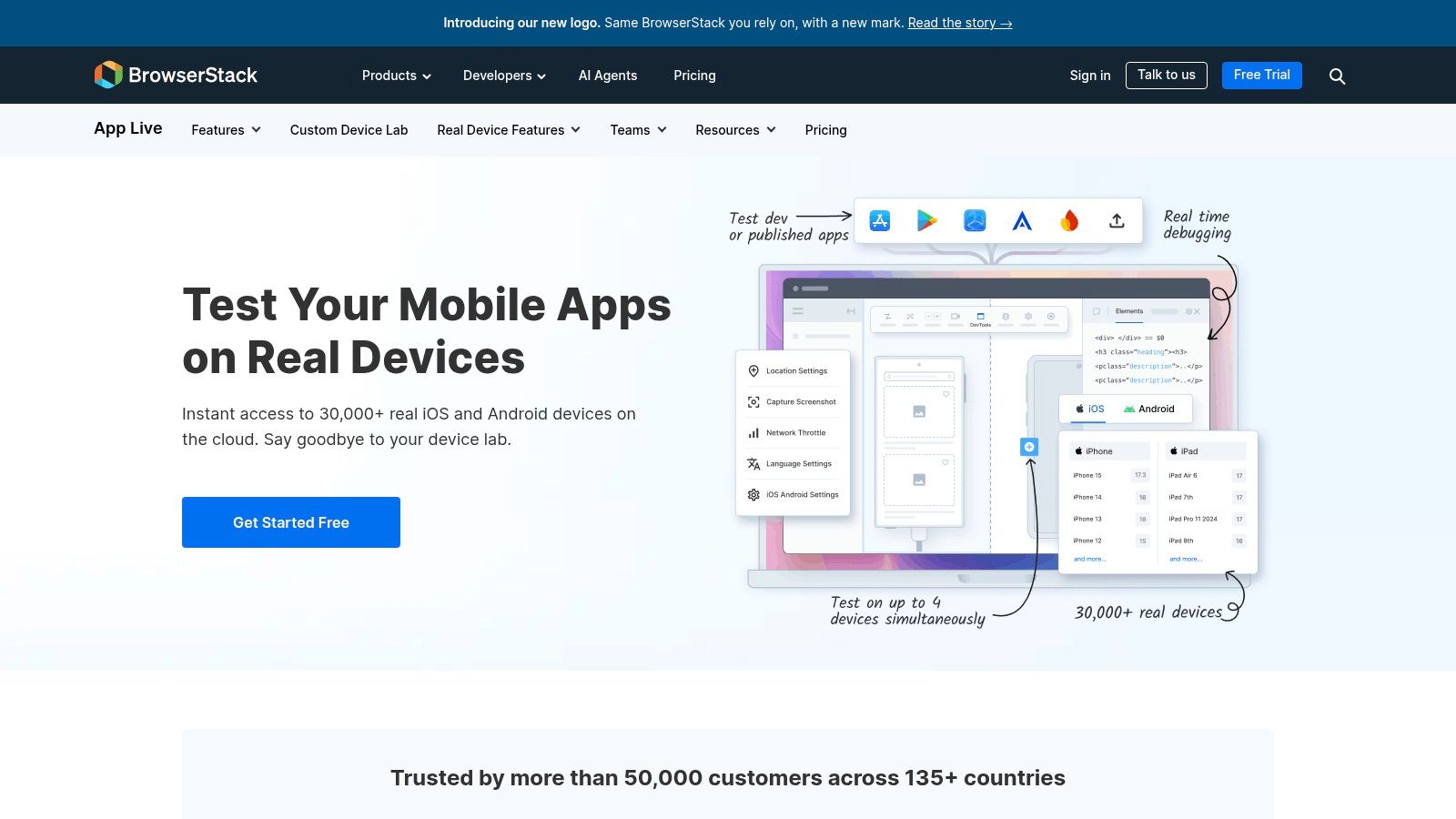
A 2025 empirical study of 5,183 open-source Android applications found that only 30% had meaningful tests. A hosted device can help teams check behavior beyond the few phones they have on hand. Upload a build, access a TestFlight or store build, or use Local Testing to connect an app to a staging service. App Live also offers simulated GPS and network controls, and supports more than one device session at a time.
App Live is a manual tool, not an independent testing service. Your team still chooses the journeys, performs the steps, and records the outcomes. Device and session limits depend on the plan, so check that they fit the release you need to test. For a repeatable compatibility pass, decide which devices and operating systems matter before booking sessions. This guide to testing an app on real devices explains how to choose a device set. See BrowserStack App Live for product details.
3. Sauce Labs
Sauce Labs suits teams that need both live manual access and cloud execution for Appium, Espresso, or XCUITest suites. It offers real and virtual devices alongside desktop browsers, so engineers can investigate a failure and rerun automated tests in the same platform.
An empirical study of 5,183 open-source Android applications found that only 23% contained meaningful test suites, even though 80% of surveyed practitioners recognized the importance of automated testing and coverage. JUnit appeared in 462 applications and Espresso in 384. Framework adoption alone does not establish release confidence. Review results by device and operating system, not just by script count.
Screenshots, videos, and logs can help diagnose failed runs, while secure tunneling provides access to development and staging builds. Published self-serve pricing offers a starting point for estimating cost, but real-device plans may exceed what a small team needs for occasional manual checks. Device availability can vary, and private device clouds are an enterprise option. For a different model, compare mobile application testing services with renting a device lab. See Sauce Labs Real Device Cloud for platform details.
4. AWS Device Farm
If builds and accounts already live in AWS, AWS Device Farm is the straightforward way to hit many device models in parallel. You select configurations, run automated tests, and open a remote session when you need to debug by hand.
Concurrency follows the device slots you purchase. Billing is either device minutes or a monthly slot, so a wide matrix has a cost you should estimate before the first nightly run. Parallel slots shorten wall-clock time when the same suite must cross many models. Teams new to AWS pay a setup tax in IAM, project layout, and result storage that a pure QA login would not.
The farm runs what you send. It does not bring independent people to explore, grade severity, or explain why a case never started. I use it when the uncovered risk is configuration breadth inside an existing AWS pipeline, not when the risk is an unread test plan.
See AWS Device Farm.
5. Firebase Test Lab
For an Android build that needs a quick automated smoke check, Firebase Test Lab can run Robo tests without a custom test script. It fits teams already using Android Studio, the Firebase console, gcloud, or a Google-hosted CI job. You can also run scripted tests across device and configuration combinations, using physical Android and iOS devices or Android virtual devices.
Robo can reveal crashes and return logs, screenshots, and videos. It does not replace human exploration or confirm that a business journey behaves as intended. Use it to catch basic failures early, then add tests that exercise the workflows your release depends on. Published quotas and rates help estimate costs, but free usage is limited and additional runs are billed.
The product page is Firebase Test Lab.
6. Kobiton
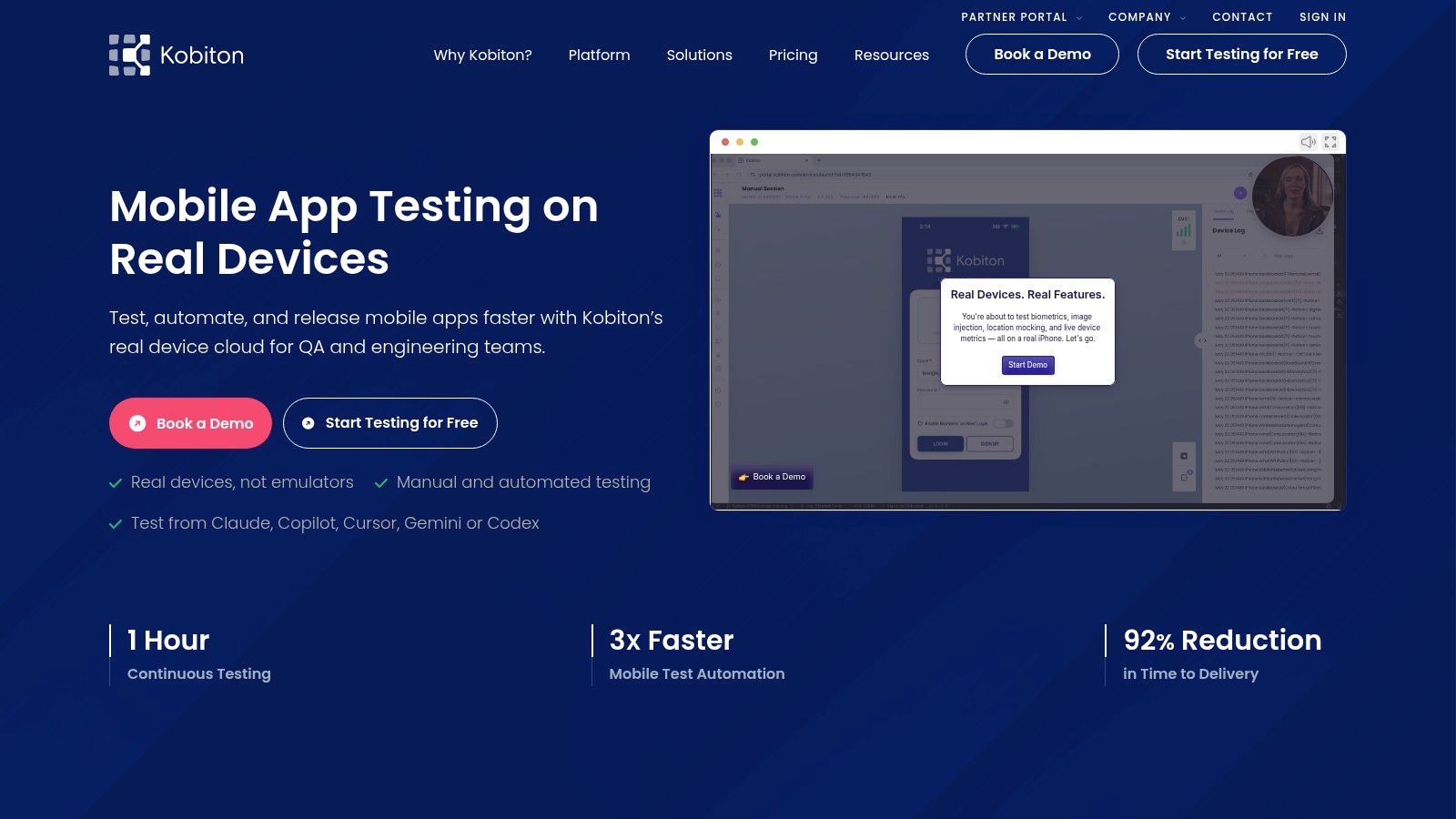
Kobiton stays on mobile operations: manual sessions, automation, no-code flows, and device-lab management in one place. It is worth a look when the team wants Appium-related automation without standing up every piece alone.
Eligible plans can generate Appium scripts from no-code work. Integrations include Jira, Jenkins, GitHub Actions, and TestRail, so a failed session can land next to the ticket instead of in a separate inbox. Hosted devices and dedicated devices are both on the menu.
Published self-service plans start at $83 per month for Startup with 500 minutes, and $399 per month for Accelerate with 3,000 minutes. Those minute caps are the actual limit. A regression that fans out across many phones will burn them faster than a single exploratory hour. Private hosted access has a minimum device requirement. Advanced features and enterprise pricing need a sales conversation.
Script generation still only checks the paths you encoded. A quiet permission dialog or a flaky network will not appear unless someone, or a later script, looks for it.
Product information is on Kobiton.
7. TestingBot
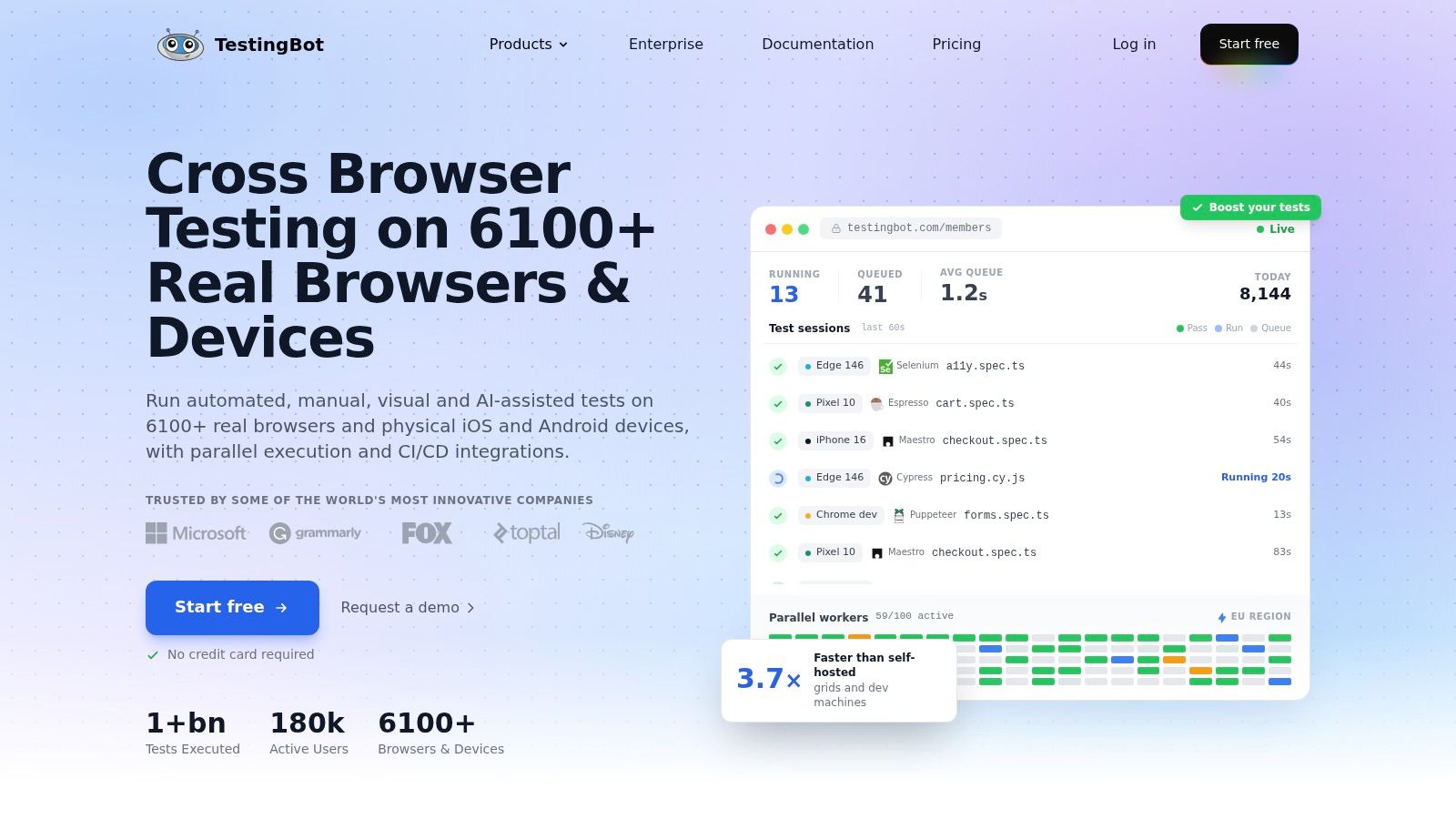
TestingBot covers live sessions on physical iPhones, Android phones, and tablets, plus automated mobile runs and desktop browsers. Framework support includes Appium, Espresso, XCUITest, and Maestro. Local testing, screenshots, and video are part of the session record. The vendor describes its device cloud as hosted in Europe, which matters if data residency is on the procurement checklist.
Pricing is where teams get surprised. Subscriptions publish minutes and parallel-session limits. A pay-as-you-go credit option exists, but those listed one-time credits exclude real-device tests and live manual sessions. If the reason you signed up was a physical phone in your hand, the cheap credit pack is the wrong SKU.
Parallel-session caps will throttle a large matrix. You get infrastructure, not an independent tester and not a verified coverage report that explains blocked cases. I would use it when Europe-hosted devices plus mixed mobile and desktop automation is the actual requirement.
Plans are listed on TestingBot.
8. HeadSpin
When the bug only shows up on a weak cellular link in another city, a generic device cloud is the wrong category. HeadSpin is built for real-device testing and experience analysis across devices, networks, and locations, including SIM-enabled Android and iOS hardware.
Manual interaction and automated execution both exist, but which diagnostics you get depends on the plan. Eligible plans add performance and network diagnostics, device logs, screen recordings, Appium, and an integrated Appium Inspector. Deployment can be cloud or a more controlled enterprise model, and coverage can extend past phones into browsers and other device types.
Published entry plans include CloudTest Lite from $49 per month and CloudTest Go from $100 per month. Pro is custom-priced. Automation, reservations, and deeper diagnostics often sit behind add-ons. That pricing shape is heavier than a basic manual subscription, and there is still no crowd of people executing your written cases.
I reach for it when geography or network behavior is the uncovered risk, not when you need a readable pass or fail against a supplied plan. See HeadSpin mobile app testing.
9. Appium
Appium is the open-source, WebDriver-based framework you adopt when you want to own the automation, not rent a finished service. It drives native, hybrid, and mobile-web apps on Android and iOS through platform drivers, in several languages, on local hardware, emulators, simulators, or someone else's device cloud.
There is no commercial license fee. If your team already writes browser tests in a WebDriver style, the patterns transfer. You choose the devices. You also install, version, and repair the stack, and you pay for hardware or a separate cloud. The project will not hand you a human-readable coverage report or an independent check that a finding is real.
Generated cases are a common trap here. A script that compiles is not a script that exercised the journey. I would wire execution status back to each case before anyone calls the suite green. A practical walkthrough is how to test AI-generated test cases. Docs live at Appium.
10. Maestro
Maestro takes a different route into the same regression job. You describe end-to-end journeys in declarative YAML, which mixed QA and engineering teams can read without digging through a page object layer. Flows work across native, Flutter, and React Native apps, and they can cover some web UI as well.
Interaction goes through the platform accessibility layer, so you are not instrumenting the binary as extensively as some native frameworks require. Built-in handling for UI settling reduces a class of timing flakes that make mobile suites noisy. The CLI is open source and fine for local runs.
You still supply the phone, emulator, or a device-cloud connection. The flow checks only the paths and conditions you wrote. It will not explore a permission recovery path, a cross-session state, or a budget-phone quirk unless that path is in the YAML. Low software cost is real only if someone on the team can maintain the toolchain.
A readable flow is easier to review in a pull request. It is not broader coverage.
Start at Maestro.
How the mobile app testing tools differ by model, staffing, pricing, and best use
The main difference is who executes the tests and what evidence the team gets back. Manual services provide people to run test cases; device clouds provide access to hardware or run automation; frameworks provide code for teams to maintain. The right comparison is about the gap each model closes, not a single ranking.
| Item | Primary testing model | Supplies human testers | Public pricing | Best for |
|---|---|---|---|---|
| 99tests | Crowd testing of supplied cases on real devices and browsers, with verified reporting | Yes | Fixed-price India packages: ₹9,999–₹34,999 + GST | Teams needing human-verified execution and coverage reporting without building their own device pool |
| BrowserStack App Live | Interactive manual testing on remote real devices | No | Subscription pricing | Teams needing hands-on access to remote iOS and Android devices |
| Sauce Labs | Manual and automated testing on real devices and virtual environments | No | Self-serve plans and custom pricing | Teams combining live investigation with automated runs |
| AWS Device Farm | Automated device testing and remote interactive access | No | Pay-as-you-go device-minute billing or monthly device slots | AWS users testing across device configurations |
| Firebase Test Lab | Automated and Robo testing on hosted physical and virtual devices | No | Free quota with usage-based charges beyond it | Teams using Firebase or Google Cloud testing workflows |
| Kobiton | Manual and automated testing on real devices | No | Startup from $83/month; Accelerate from $399/month | Teams wanting mobile-focused testing with automation options |
| TestingBot | Manual and automated testing on mobile devices and desktop browsers | No | Subscription and pay-as-you-go plans | Teams testing across mobile and desktop environments |
| HeadSpin | Real-device testing and digital experience analysis | No | CloudTest Lite from $49/month; CloudTest Go from $100/month; Pro is custom-priced | Teams investigating performance, network, or geographic issues |
| Appium | Open-source mobile UI automation framework | No | Free framework; device infrastructure may cost extra | Technical teams building and maintaining their own mobile automation |
| Maestro | Open-source UI automation using declarative YAML flows | No | Free CLI; device infrastructure may cost extra | Teams creating readable end-to-end automation flows |
These models produce different kinds of evidence. A device cloud helps teams access configurations they do not own, while an automation framework repeatedly checks defined paths. Neither supplies human exploration by itself. 99tests uses testers' own phones, laptops, and browsers to execute customer-supplied cases, then delivers verified results and coverage gaps. Its fixed-price packages suit teams that need execution and reporting without staffing a device lab; the trade-off is that the service runs supplied cases rather than replacing a team's ongoing automation work.
Match the Tool to the Gap in Your Release Plan
Teams often need more than one category. Automation that repeats a known path does not replace a person on a customer phone, and a device login does not replace a report that says which cases never ran. Pick the type that covers your largest uncovered risk first, then add the next category only where evidence is still thin.
An empirical study of Android projects reported a wide gap between perception and practice: 57% of surveyed developers said they used automated tests, yet the researchers did not observe comparable automation in the analyzed projects. A related survey of Android contributors found 55 different testing tools in use. JUnit was mentioned by 45 participants, while 28 explicitly reported using no automated mobile-testing tool. About 64% considered feature coverage or fault detection more useful than code coverage. Tool count and an automation percentage will not tell a release manager what shipped.
How I would sequence the buy
- Manual exploration: use a real-device session, such as BrowserStack App Live or the live side of Sauce Labs, Kobiton, or TestingBot, when you need to reproduce a defect or learn an unfamiliar flow.
- Automated regression: keep Appium, Maestro, Espresso, or XCUITest for paths you can name, and run them on Device Farm, Firebase Test Lab, or a device cloud when the matrix is wide.
- Network and place: use HeadSpin when the failure depends on SIM, geography, or performance, not on a missing click-path.
- Verified coverage: when cases exist and nobody has executed them on the phones your users own, pay for case-by-device status, blocked reasons, and merged findings. That is a different purchase from minutes.
Before you commit, confirm the device list, OS versions, and turnaround in writing. Look beyond advertised monthly rates: minute packs that exclude real devices, slots that only pay off at high parallelism, and enterprise add-ons for private hardware change the bill. A smaller, named set of devices with passed, failed, blocked, and unrun states is more useful than a large run you cannot explain. I would not sign a plan until a sample report shows environment metadata and a reason for every case that did not run.
If your cases are written and the missing piece is a human run on real Android phones, iPhones, and desktop browsers, we execute that plan and return a verified pass, fail, blocked, and unrun report with steps and device details. That is the coverage gap generic emulators and unexecuted scripts leave open. See how a cycle is scoped at 99tests.