99tests vs BrowserStack: Real Device Testing for AI-Generated Cases
99tests vs BrowserStack for AI-generated test cases: a device cloud your team drives, or human testers on real phones. What each covers and when to use both.
In this article
- Why AI-generated test cases need a real device
- BrowserStack: a real device cloud with AI agents
- 99tests: humans run your AI-generated cases on their own devices
- How to choose between them
- Using both
- Frequently Asked Questions
- Why is real device testing crucial for AI-generated test cases?
- How do AI agents enhance real device testing?
- What are the main differences between 99tests and BrowserStack for AI testing?
- Can I use 99tests and BrowserStack together?
- Sources
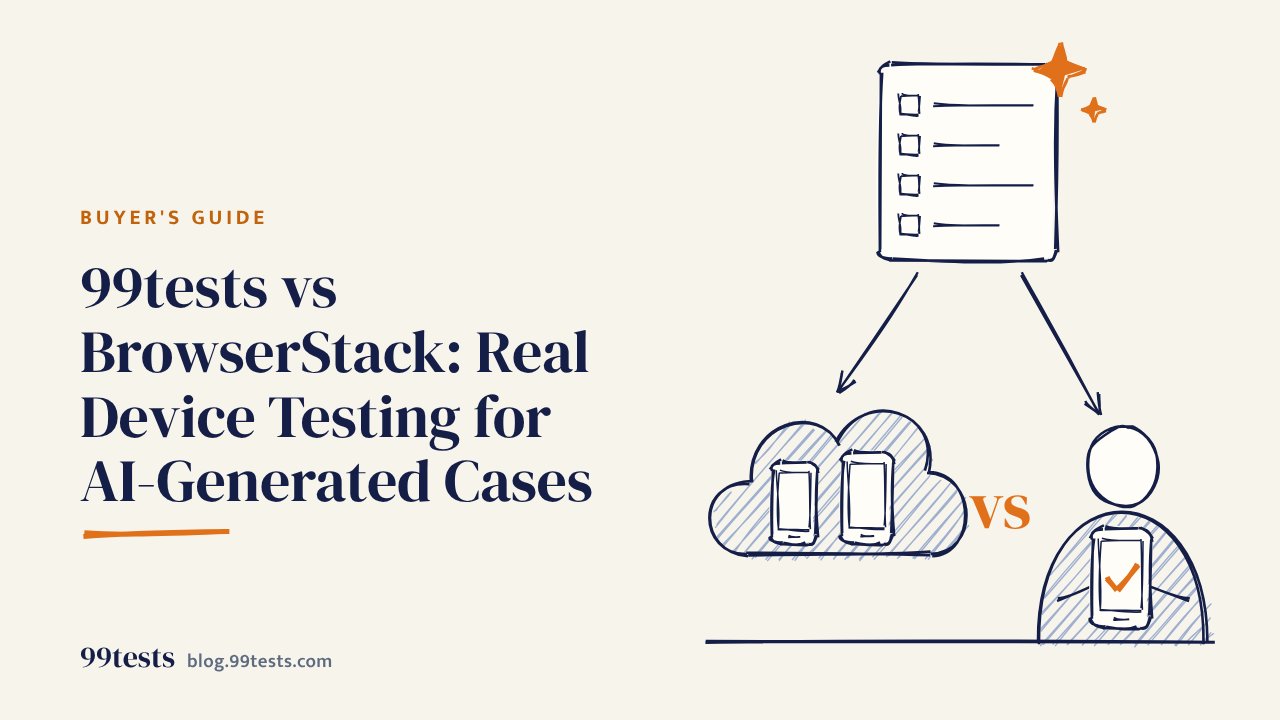
If your test cases were written by an AI tool, the deciding question is who runs them. BrowserStack gives your team remote access to thousands of real devices and browsers, plus automation grids and AI agents; your engineers or your scripts do the testing. 99tests sends your cases to human testers who run them on their own phones, laptops and browsers, then returns a verified report of what passed, failed, was blocked or never ran.
We make 99tests, so weigh this comparison accordingly. We have described BrowserStack the way its own website does.
| 99tests | BrowserStack | |
|---|---|---|
| What you get | People who execute your test cases and verify every finding | A cloud of real devices and browsers that your team tests on |
| Who runs the tests | Testers from a registered pool of 20,000 across India | Your engineers (Live, App Live) or your scripts (Automate, App Automate) [1] |
| Devices | Testers' own Android phones, iPhones, laptops and desktop browsers, on their own home and mobile networks | Thousands of real devices and browsers in 25 BrowserStack data centers across 18 locations [1] |
| AI-generated test cases | Runs cases from any AI tool, imported as a spreadsheet, document, Markdown, or a TestRail or Jira export | Its own AI agents generate, author, self-heal and analyze tests [1] |
| Automation | None: a person executes every case | Automation grids for browser and mobile app test suites [1] |
| What comes back | Case-by-device coverage, reproducible bugs, severity grades, and a reason for every case that did not run | Results, recordings and logs from the sessions and suites your team runs |
| Pricing | Fixed price per job, no hourly overages | Tiered subscription plans per product |
Why AI-generated test cases need a real device
AI tools now write test cases in seconds, from a product spec, a design file or the code itself. What they cannot tell you is whether those cases pass on the phone your users actually carry. A generated case that says Enter the OTP and tap Verify assumes the SMS arrives, the autofill prompt appears and the keyboard does not cover the button. Those are device and network facts, not logic.
Emulators and simulators narrow the gap but do not close it. They run on a developer's machine with a fast connection and a stock version of Android or iOS, without the manufacturer skins, aggressive battery managers, low memory and patchy networks that real users live with. We list the specific failures in Emulator vs real device: the bugs only a real phone shows, and the cases AI tools tend to leave out in what AI-written test cases usually miss on Indian phones.
So the useful comparison is not which platform has more AI. It is who takes your generated cases to real hardware, and what evidence you get back.
BrowserStack: a real device cloud with AI agents
BrowserStack is the best-known real device cloud. Its website says it is trusted by more than 50,000 customers, and its core products are Live for manual cross-browser testing, Automate as a browser automation grid, App Live for manual testing on real phones, and App Automate as a real-device automation cloud [1].
On AI, BrowserStack lists more than 20 AI agents across the testing lifecycle, including a test case generator, low-code authoring, self-healing, test failure analysis and accessibility agents, plus Test Companion for agentic testing inside the IDE [1]. Percy adds automated visual testing and review, and there are separate products for test management, test reporting and accessibility testing [1].
Where it is strongest: running large automated suites in parallel on every build, giving developers instant remote access to a specific device to reproduce a bug, and keeping web, mobile, visual and accessibility testing with a single vendor.
What it leaves to you: BrowserStack supplies the devices and the tooling. Someone on your team still drives the manual sessions or writes and maintains the automation scripts. Its AI agents help write, heal and triage tests, but your team still owns the run and the decision about what ships.
99tests: humans run your AI-generated cases on their own devices
99tests is not a device cloud. You send the test cases you already have, whether your team wrote them or Claude Code, Cursor or another AI tool generated them, as a spreadsheet, a document, plain text, Markdown, or a TestRail or Jira export. If you are starting from scratch, the free library of 950 test cases for Indian app flows is a good base. You choose device brands, minimum OS versions and browser targets, and share the build as an APK link, a Google Play internal testing track, a TestFlight invite or a web URL.
Testers from a registered pool of 20,000 across India run your cases in timeboxed sessions on their own phones, laptops and browsers, on their own home and mobile networks, so you can pick the exact phone your users carry. Testers are paid for the session whether or not they find bugs, with a bonus for verified bugs by severity, so nobody gains by padding the report.
Testing and verification are separate jobs. Before anything reaches you, findings are deduplicated, checked for completeness, graded against a published severity rubric and given a confidence score. The report comes as a hosted page and a PDF. It lists every case by device as passed, failed, blocked or not run, gives the reason for anything not run, and includes reproduction steps, expected and actual results, environment details and screenshots or recordings for each bug. Here is what a 99tests report looks like, section by section.
Prices are fixed per job with no hourly overages. Unfilled sessions become credits, and you can rerun the same plan on a new build. If a coding agent writes your tests, it can also order the run itself through the 99tests MCP server.
What 99tests does not do: it does not write or run automation scripts, and it does not host devices for you to log into.
How to choose between them
Five questions settle it for most teams:
- Do you need automation or execution? If you want Selenium or Appium suites running on every commit, you need a device cloud such as BrowserStack. If you need people to work through a set of cases on real hardware before a release, that is what 99tests does.
- Who on your team has time to test? A device cloud is only as useful as the hours your engineers put into it. 99tests takes execution off your team entirely.
- Which devices and networks matter? BrowserStack's labs hold a wide range of current and older models. 99tests matches sessions to testers who own the phones you ask for and use the Indian mobile networks your users are on. See how to choose devices for mobile app testing in India.
- What evidence do you need? If someone must sign off a release, ask for case-by-device coverage that shows what did not run and why, not just a list of bugs.
- How do you want to pay? BrowserStack sells tiered subscriptions per product. 99tests charges a fixed price per job.
Using both
Many teams do not have to pick one. A common split is automated regression on a device cloud such as BrowserStack for every build, plus a 99tests run on real phones before each release, or whenever an AI tool produces a batch of new cases that nobody has executed yet. Our 99tests vs uTest, device clouds and test automation guide shows where each kind of testing fits.
To have your AI-generated cases run on real phones and browsers, start a job at 99tests.com.
Frequently Asked Questions
Why is real device testing crucial for AI-generated test cases?
An AI tool writes cases from specs and code, not from a phone. Real device testing shows whether the steps hold up on a specific manufacturer's Android build, with low memory, on a slow or switching network, and with real OTP, camera and permission prompts. Emulators and simulators cannot reproduce all of that.
How do AI agents enhance real device testing?
They make tests faster to write and cheaper to maintain. Agents can generate cases from requirements, author tests in plain language, heal locators when the UI changes and group similar failures [1]. They do not replace running the cases on a real device and having a person confirm the result.
What are the main differences between 99tests and BrowserStack for AI testing?
BrowserStack is a real device cloud with automation grids and its own AI agents, and your team or your scripts run the tests. 99tests takes your AI-generated test cases, has human testers run them on their own phones, laptops and browsers, verifies every finding and reports coverage case by case. BrowserStack fits large automated suites; 99tests fits human execution and verification before a release.
Can I use 99tests and BrowserStack together?
Yes. Run automated regression on BrowserStack for each build, and send the cases that need a human, including new batches of AI-generated cases, to 99tests before you ship.
Sources
- BrowserStack, Most Reliable App & Cross Browser Testing Platform, accessed 25 November 2026.