Understanding the Software Testing Life Cycle (STLC): 6 Phases Explained
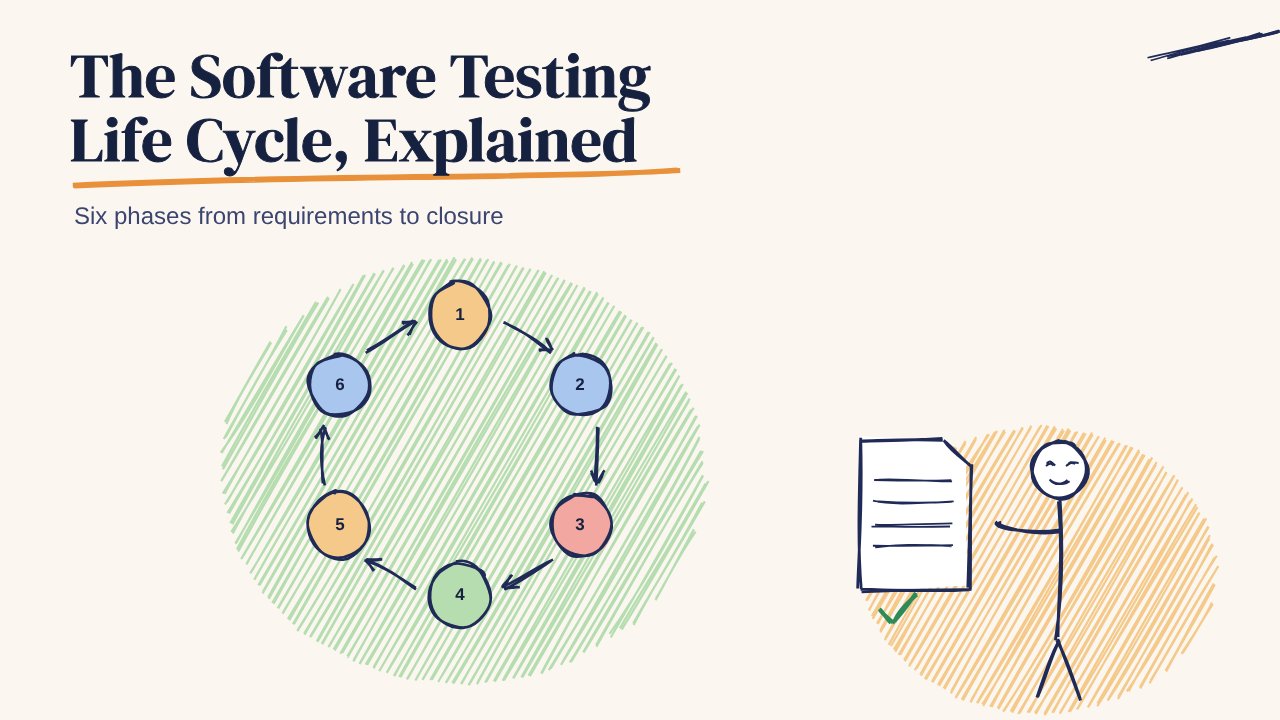
The six phases of the software testing life cycle (STLC), from requirement analysis to test closure, with entry and exit criteria, deliverables and how STLC fits fast mobile release cycles.
In this article
The software testing life cycle (STLC) is the sequence of steps a team follows to test a product, from understanding what to test through to closing the cycle and learning from it. It runs alongside the software development life cycle (SDLC), but focuses only on testing.
Knowing the phases helps even small teams that never write a formal plan, because each phase answers a question that gets skipped when releases are rushed.
The six phases at a glance
| Phase | Question it answers | Main output |
|---|---|---|
| 1. Requirement analysis | What needs testing? | List of testable requirements |
| 2. Test planning | How, by whom, by when? | Test plan |
| 3. Test case design | What exactly will we check? | Test cases and test data |
| 4. Environment setup | Where will we test? | Ready builds, devices, accounts |
| 5. Test execution | Does it work? | Results and bug reports |
| 6. Test closure | Are we done, and what did we learn? | Summary report |
1. Requirement analysis
Testers read the requirements, designs and user stories and ask: what can be tested, and what's unclear? Ambiguities found here are the cheapest bugs to fix.
- Entry: requirements or user stories available
- Exit: a list of testable requirements, with open questions answered
Example: "User can retry a failed payment" raises questions. How many times? Does the first attempt get reversed? What does the user see in between?
2. Test planning
Decide scope, approach, devices, people, schedule and risks. A plan can be one page. See these test plan examples for formats that work.
- Entry: testable requirements
- Exit: an agreed plan with scope, out-of-scope items and dates
3. Test case design
Write test cases with steps, expected results and priority, and prepare test data. See best practices for test case creation and maintenance.
- Entry: an agreed plan
- Exit: reviewed test cases and test data
You don't have to start from a blank page. The free 99tests test case library has 950 cases across 25 Indian app flows.
4. Test environment setup
Prepare the builds, staging servers, test accounts, sandbox payment keys and devices. For mobile apps, this means the phones and OS versions your users actually have, on real networks.
- Entry: test cases ready
- Exit: a smoke test passes on the environment
5. Test execution
Run the test cases and exploratory sessions, log bugs with steps, device, OS, network and evidence, and re-test fixes.
- Entry: environment ready, build delivered
- Exit: all planned cases run, P1 bugs fixed or accepted
6. Test closure
Summarise what was tested, what was found, what's still open and what to change next time. A testing report template keeps this short.
- Entry: execution complete
- Exit: a summary shared with the team and the release decision recorded
STLC in fast release cycles
Weekly releases don't leave room for a long cycle each time. Teams compress it instead of skipping it:
- Requirement analysis happens in story refinement, as a question list.
- The plan is a standing document that's updated, not rewritten.
- Test cases live in a library and are reused every release.
- Automation covers stable regression checks on every build.
- Execution before release focuses on new features and P1 flows on real phones.
- Closure is a five-line summary in the release note.
Where 99tests fits
99tests covers phases 4 and 5 for real devices: real testers on real Android phones and iPhones across Indian cities and networks, with a reproducible bug report in 3 business days. Packages start at ₹9,999 + GST.