Best Practices for Test Case Creation and Maintenance
How to write test cases people can actually run, and keep them useful as the app changes: structure, priorities, real-device flags, reviews, pruning and AI-written cases.
In this article
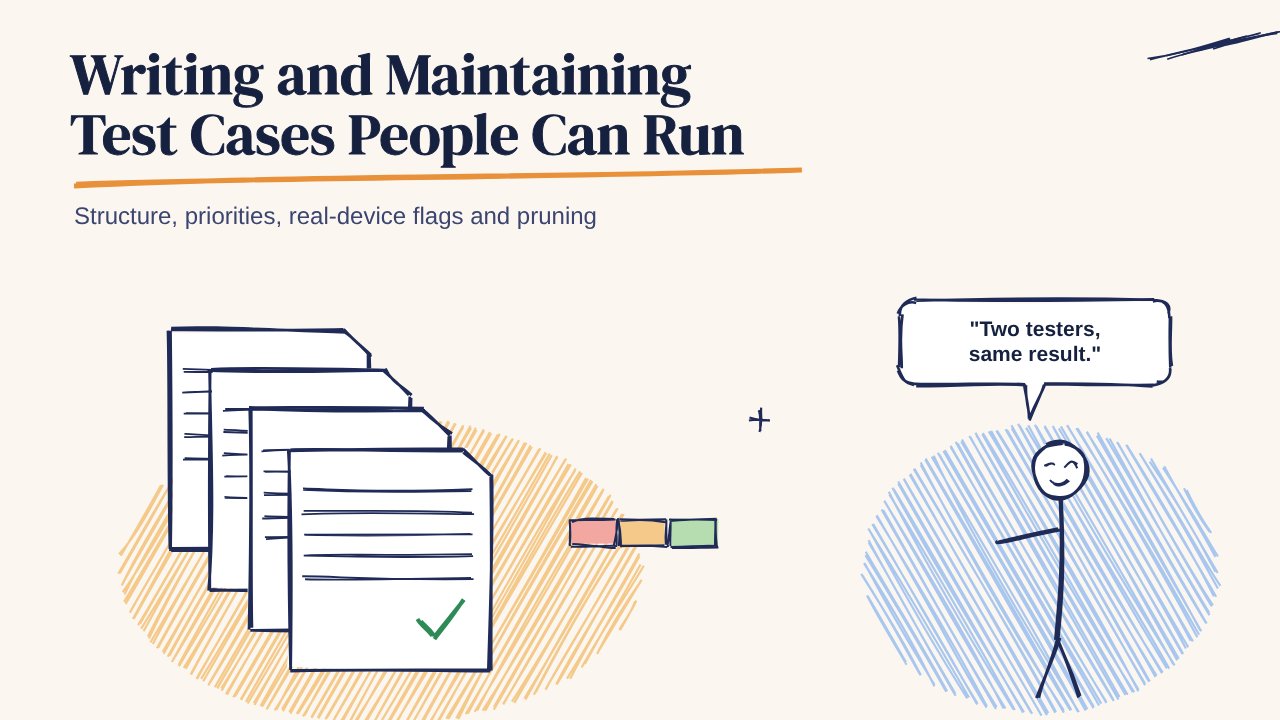
A test case is only useful if someone other than its author can run it and get the same result. Most test case libraries fail on that test within a few releases: steps go vague, expected results go out of date, and nobody knows which cases still matter.
This guide covers how to write test cases well, and how to keep a library healthy as the app changes.
What a good test case contains
Every case needs six things:
- ID and title. The title states the behaviour, such as "Resend unlocks only when the countdown ends", not "OTP test 4".
- Preconditions. The account, data, build and device needed before step one.
- Steps. Short, numbered actions. One action per step.
- Expected result. What the user should see, stated so that two testers would agree on pass or fail.
- Priority. P1 for anything that blocks money, login or data; P2 for important but recoverable; P3 for polish.
- Device note. Whether it needs a real phone, and why.
Example
OTP-05 · Resend unlocks only when the countdown ends (P1) Steps: Request an OTP and watch the countdown. Tap Resend while it's still running. Tap Resend after it reaches zero. Expected: Resend stays disabled until the countdown ends, then sends a new code and restarts the countdown. A message confirms the code was sent again.
This case is from the free OTP login test cases in the 99tests library.
Writing practices that hold up
- Write from the user's side. "Tap Pay" beats "call submitPayment()".
- Make expected results checkable. "Works correctly" isn't a result. "Order shows Confirmed with the same amount in history" is.
- Cover the unhappy paths on purpose. For each happy-path case, ask what happens with a wrong input, a lost network, a second tap, a killed app and a late SMS.
- Keep test data out of the steps. Reference "sandbox account A" and keep the details in one data sheet, so a password change doesn't break 200 cases.
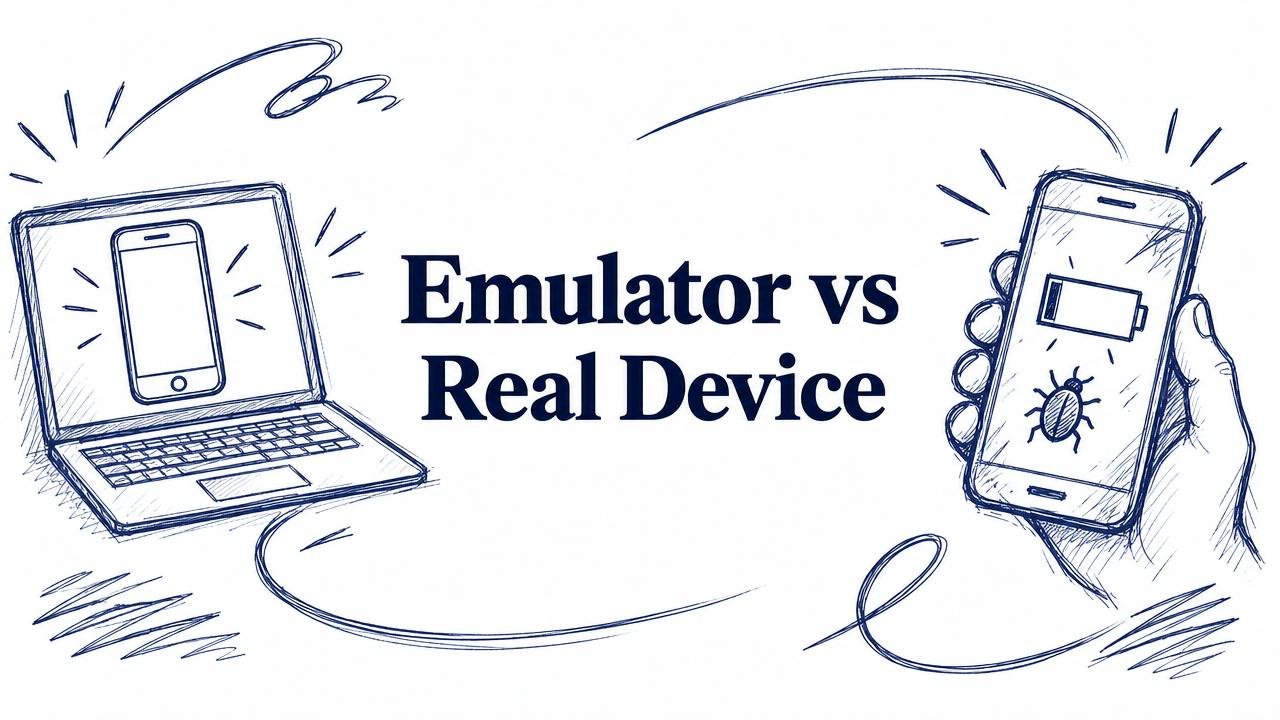
- Flag real-device cases. Camera, SMS, push notifications, battery savers and network handovers behave differently on emulators. Mark these so they don't get skipped.
- Keep one behaviour per case. If a case can fail for three reasons, split it.
Maintenance practices
A library decays unless someone looks after it.
- Review cases with every feature change. Add "update test cases" to the definition of done.
- Delete cases that never fail and test nothing important. A smaller library gets run, and a bloated one gets skimmed.
- Turn every escaped bug into a case. If users found it, the library missed it.
- Record when each case last ran and passed. Cases that haven't run in six months are suspect.
- Give the library an owner, even if it's a rotating role.
Using AI to write test cases
AI tools now draft test cases quickly, and they're useful for coverage of input validation and obvious flows. Review what they produce for:
- Expected results that just restate the steps
- Missing interruptions, network failures and device-specific cases
- Invented behaviour the app doesn't have
Treat AI output as a first draft for a person to edit, not a finished library.
Start from a library instead of a blank page
The free 99tests test case library has 950 cases across 25 Indian app flows such as UPI payments, OTP login and Aadhaar eKYC. 269 are marked P1, and 307 are marked as needing a real phone. Copy them into your own tool and edit them to fit your app.
For the cases that need real phones, 99tests runs them for you: real testers on real Android phones and iPhones across Indian cities and networks, from ₹9,999 + GST with a report in 3 business days.