What breaks in India's UPI and payment apps: crashes, not failed payments
15% of Play Store reviews on India's top UPI and payment apps describe a malfunction. Crashes lead, ahead of failed payments. What breaks and what to test first.
In this article
You'd expect the top complaint about a UPI app to be a failed payment. It isn't. When we read the reviews Google Play shows on India's most-used UPI and payment apps, the most common malfunction was the app crashing or freezing, nearly twice as often as a failed payment.
This post covers the UPI and payments category of our India App Quality Report: 240 storefront reviews on 14 apps, read on 23 October 2026.
The headline
15.0% of UPI and payment app storefront reviews describe a malfunction (36 of 240; 95% range 11–20.1%), against 10.7% across all 187 apps.
- 13 of the 14 apps had at least one malfunction review on show.
- Crashes and freezes are the most common malfunction (13 of 36), ahead of failed payments (7).
- 46.8% of complaints are about the software; 39.0% are about service, fees, support or delivery.
- Only one malfunction review said the problem started after an update.
- These apps update often: the median app had updated 28 days earlier.
What breaks
| Malfunction | UPI and payments | All 187 apps |
|---|---|---|
| Crashes, freezes, won't open | 5.4% | 2.3% |
| A feature doesn't work | 3.3% | 3.3% |
| Payment and UPI failures | 2.9% | 1.4% |
| Login and OTP failures | 2.5% | 1.8% |
| Slow or laggy | 0.4% | 0.9% |
| Wrong or stale data | 0.4% | 1.0% |
Share of each category's storefront reviews that describe each kind of malfunction.
Failed payments do run at twice the average, but crashes run at more than twice the average too, and they're more common.
Where failed payments actually happen
Across the whole report, 42 reviews described a failed, stuck or double-debited payment. 34 of them were on apps other than UPI, payment and banking apps: travel apps had 11, lending apps 6 and food apps 4. UPI, payment and banking apps together had 8.
The pattern: the payment sits inside another app's booking, order or loan repayment, and something breaks on the way back from the UPI app. The money leaves the account, the merchant app shows a failure or nothing, and the order doesn't go through. If you run a merchant app that takes UPI, your payment bugs probably live in the return trip, not in the UPI app.
What the storefronts showed
| App | Rating | Reviews read | Malfunction reviews | Main problem |
|---|---|---|---|---|
| BHIM | 4.5★ | 19 | 8 | Crashes, won't open |
| FamApp | 4.5★ | 18 | 6 | Payment failures |
| PayZapp | 4.5★ | 18 | 6 | Crashes, won't open |
| Google Pay | 4.3★ | 18 | 3 | A feature doesn't work |
| slice | 4.6★ | 17 | 3 | Payment failures |
| Navi | 4.5★ | 18 | 2 | Login and OTP |
| Paytm | 4.7★ | 18 | 2 | Crashes |
| CRED, PhonePe, Jupiter, POP, super.money, Kiwi | 4.3–4.8★ | 6–18 each | 1 each | Mixed |
| MobiKwik | 4.4★ | 18 | 0 | – |
These are small samples from one day, and Google changes which reviews it shows: a snapshot, not a verdict. Note how little the stars say. BHIM, FamApp and PayZapp are all rated 4.5★, and between 1 in 3 and 2 in 5 of their storefront reviews describe something broken.
Why payment apps crash
A UPI app does a lot at launch: it checks the device binding and the SIM, runs security and root checks, loads balances and offers, and often starts a payment the moment a QR code is scanned. On a 3–4 GB phone with the maker's battery saver and memory manager, that's a lot of work at once, which makes launch and the PIN screen the likeliest places for a crash. An emulator with plenty of memory is unlikely to show it.
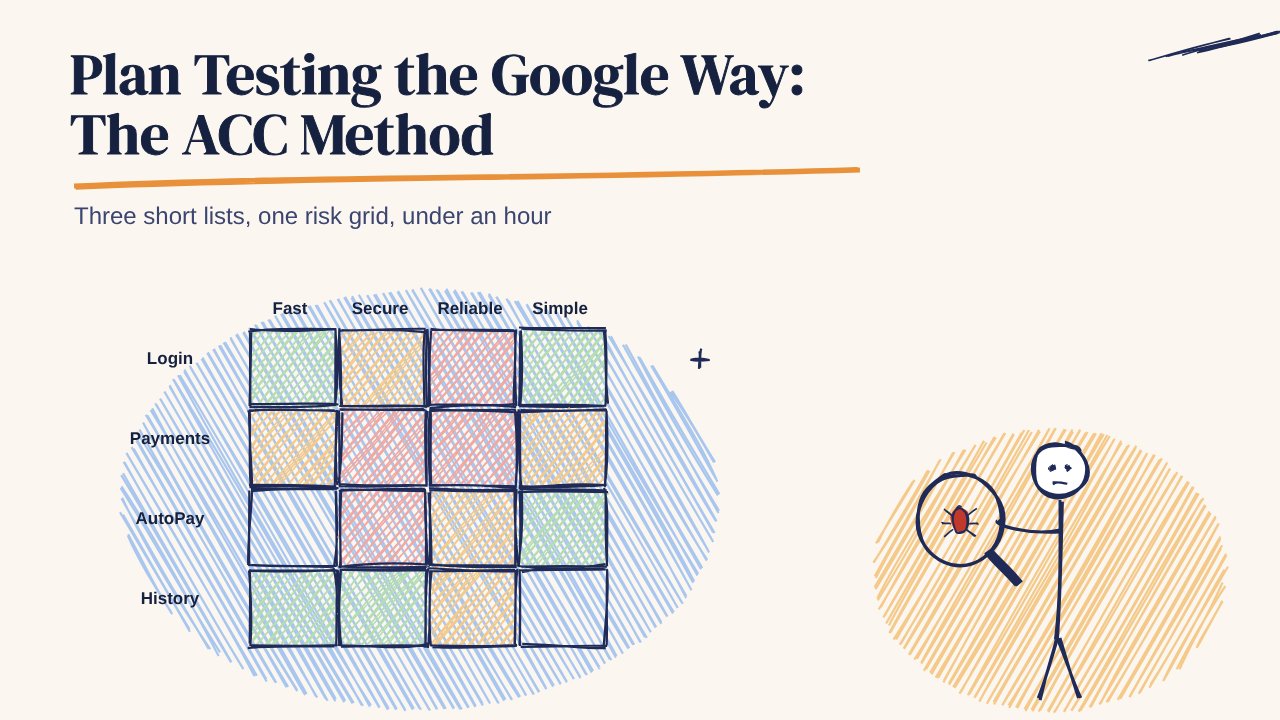
What to test first in a UPI or payment app
- Launch and the UPI PIN screen on 3–4 GB RAM phones with the maker's battery saver on. Crashes are this category's top malfunction.
- Every payment state the user can see: pending, failed, deemed, and debited but not credited, including a switch to another UPI app and back. The UPI payment cases cover all of them.
- QR scanning in poor light, from a creased sticker, and from another phone's screen. See the QR scan and pay cases.
- Alerts after the system kills the app: money received and AutoPay debits. See the push notification cases and UPI AutoPay cases.
- Dual-SIM device binding, with the bank-registered number in each slot.
If you run a merchant app rather than a UPI app, put the return trip first: pay, press back in the UPI app, kill your app while the user is away, and check that the order status is right when they come back.
Check your own app
Read the full UPI and payments breakdown, or compare your app's reviews with the category using the free Play Store bug scanner. The UPI payment app cost page shows what a release check costs. 99tests testers run your cases on their own phones and SIMs, with a verified report in 3 business days, from ₹9,999 + GST.