Does Google Use Crowd Testing? What Its Public Programs Show
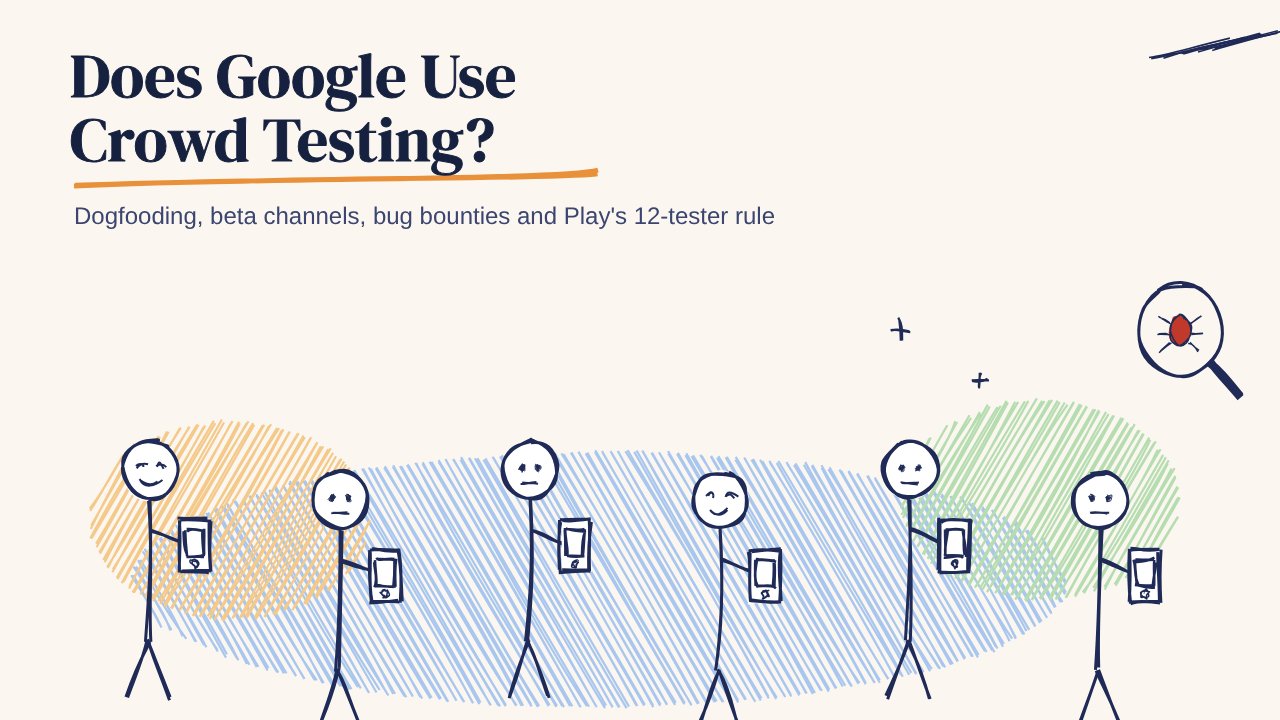
Google tests with people outside its QA teams: dogfooding, Chrome's Canary, Dev and Beta channels, Android betas, bug bounties, and the Play Store rule that new apps need 12 testers for 14 days.
In this article
A build can pass every automated check and still break on someone's phone. That's why Google doesn't rely on automation alone: it puts software in front of people before a wider release, giving them a chance to catch problems that controlled tests miss.
Does that count as crowd testing? Google's public programmes show several ways to bring more people into the process. Employees try unfinished products, Chrome users opt into early releases, Android developers recruit Play testers, and security researchers probe for vulnerabilities. Each group catches different problems. Here's what app teams can borrow.
1. Dogfooding: employees as the first crowd
Dogfooding means using your own product before asking customers to rely on it. At Google, employees can encounter pre-release products in the course of their work. Unlike a scripted QA session, everyday use exposes friction that appears only after someone has lived with a feature for a while.
Think of an employee who switches between a laptop and phone during meetings. They might notice that a change syncs slowly, a notification arrives at an awkward moment, or a setting is hard to find. For example, an employee edits a document on their laptop before a meeting, opens it on their phone in the meeting room, and finds that the latest change has not appeared. None of those issues requires a specialist test case. They require someone to use the product in context and have an easy way to report what happened.
The limitation is equally important: employees know the product and may work on newer devices or reliable office networks. Dogfooding is an early filter, not a substitute for testing with customers who have different expectations and conditions.
What app teams can borrow: put a release candidate on company devices before launch. Ask people in sales, support and operations to complete ordinary tasks, not just follow QA scripts. Give them one reporting place and ask for the build version, steps to reproduce and a screenshot when something breaks.
Takeaway: Use dogfooding to catch everyday friction early, then test with people outside the company to check what employees may miss.
2. Chrome's release channels
Chrome makes its progression visible through Canary, Dev, Beta and Stable. According to Chromium's channel guide, Canary gets the earliest builds, Dev exposes work still in progress, Beta offers a more settled preview, and Stable is the broadly released version. People can choose how much instability they are willing to accept.
That separation matters because a problem has a chance to surface before it reaches everyone. For example, a new browser feature might work on a developer's machine but crash when a Beta user opens a video page on a particular operating-system and hardware combination. That user encounters the problem in normal use, before the feature reaches Stable. Feedback and, when users opt in, crash reports give the team evidence to investigate. Chromium's release process provides room to address issues before wider promotion.
Early users are not a perfect sample of all users. They are more likely to tolerate bugs and report them. The point is to learn from that smaller audience before exposing the Stable audience to the same risk.
What to borrow: release a new app build to an internal group, then a willing beta group, then a small share of production users. At each stage, check crashes, failed key actions and support reports before widening. For a checkout change, that means watching whether people can actually finish a purchase, not just whether the app opens.
Takeaway: Use staged releases to catch crashes and failed tasks in smaller groups before exposing everyone to a new build.
3. Android betas and Play testing tracks
Google runs a public Android beta programme for upcoming OS versions. Early users can try an unfinished release on supported devices, where they may encounter problems that are hard to reproduce in a lab: a Bluetooth accessory that behaves differently, an app that fails after an OS update, or a battery drain that appears during a commute.
Google Play also gives app developers distinct testing tracks: internal testing for quick checks with a small group, closed testing for a selected audience, and open testing for a broader group willing to try a pre-release app. The choice of track changes both who sees the build and how useful their feedback is for the next decision.
For some developers, closed testing is also a production-access requirement. Google's Play Console help says personal developer accounts created after 13 November 2023 must run a closed test with at least 12 testers, opted in for the last 14 days continuously, before they can apply for production access. That is a requirement for those accounts, not a rule for every app on Google Play. Completing the test also precedes an application for access; it does not itself publish the app.
A useful closed test does more than collect opt-ins. Give testers tasks that cover the actual journey: install the app, create an account, complete its main action, return the next day and try again on their usual connection. For example, a delivery app tester might place an order on mobile data, close the app, and reopen it the next day to check whether the order history and status still appear correctly. A tester who reaches a payment error on mobile data can tell you more than a tester who opens the home screen once.
What to borrow: match the testing group to the release question. Use a small internal track to catch obvious breakage quickly, then a closed group with relevant devices and usage habits to find problems before launch.
Takeaway: Choose beta testers for the devices and journeys that matter to your app, not just to meet an opt-in count.
4. Bug bounties: a security crowd
Google's Vulnerability Reward Program invites outside researchers to report security vulnerabilities in eligible products. Its programme rules show why the reporting process matters: a finding needs enough detail for the security team to assess its impact and investigate it. Rewards depend on the finding and the programme's criteria, rather than simply on time spent searching.
This crowd is different from a general app-testing group. A security researcher might test whether an account can see another account's data, or whether an unexpected input bypasses a protection. An everyday beta tester is more likely to notice that the login button fails on a particular phone. Both observations are valuable, but they require different skills and triage.
For example, a researcher might find that changing an account identifier in a request displays another user's order details. "I saw someone else's details" is urgent but hard to act on without context. A stronger report identifies the affected product, the steps taken, the observed result and the expected result, while avoiding unnecessary exposure of private information.
What to borrow: define what is in scope, provide a private reporting route, and ask for reproducible evidence. If you offer a reward, tie it to verified findings and handle potentially sensitive reports carefully.
Takeaway: Use a defined security reporting process for vulnerabilities; general beta feedback cannot replace specialist scrutiny.
Comparing the four testing approaches
| Approach | Best for | Watch out for |
|---|---|---|
| Dogfooding | Everyday friction | Employee bias |
| Chrome channels | Crashes and compatibility | Early-adopter bias |
| Android and Play betas | Device issues and key tasks | Tester selection |
| Bug bounties | Security flaws | Not usability testing |
Takeaway: Choose testers for the problems you need to find, rather than relying on a larger group to cover every risk.
These approaches answer different questions. A team checking whether checkout works on older phones needs relevant app testers; a team probing whether one account can access another's data needs security expertise. Using both may be sensible, but simply adding more people to one group will not cover the other's blind spots.
Why this works: many eyes, many conditions
These programmes add variety to testing, but not all the same variety. Employees contribute sustained everyday use. Early-release users contribute more device and software combinations. Play testers contribute feedback on a particular app and its core journeys. Security researchers contribute specialist ways of probing for vulnerabilities.
Consider a login flow that passes every automated check. It might still fail when a password manager fills the fields, when the network drops after a one-time code is submitted, or when a user changes phones halfway through setup. Wider testing makes such conditions more likely to be observed, but only if testers know what to report and the team can reproduce the result.
This connects to Linus's law, "given enough eyeballs, all bugs are shallow", which we discussed in why crowdsourced testing still makes sense. More eyes help most when they bring different environments and clear reports, not just a larger headcount.
What smaller teams can do without Google's scale
Most teams don't have thousands of employees or a large beta audience. They can still design a small test that exposes meaningful differences:
- Run a Play closed test with a purpose. Ask testers to complete the app's main journey over several days. For a delivery app, that could mean searching, placing an order, checking updates and reopening an earlier order.
- Pick devices your users actually carry. Include older and budget Android phones as well as newer devices. Check what happens when storage is low, the app resumes after a long pause, or battery-saving settings limit background activity.
- Test on real Indian networks. Try Jio, Airtel and Vi where they matter to your audience. Pay attention to weak signal, lifts and metro tunnels: an upload that looks fine on office Wi-Fi may need a clear retry path when connectivity drops.
- Ask for reproducible reports. Request the action attempted, steps, expected and actual results, device model, OS, app version and network. A short video or screenshot can clarify an issue that is hard to describe.
- Triage before expanding the test. Fix blockers first, retest on the affected device or network, then widen the group. More testers will not help much if incoming reports sit unread.
That's the basic managed process described in how crowd testing works: select relevant testers and conditions, collect evidence, verify findings and use them to improve the next build.
Where 99tests fits
99tests has over 20,000 crowd testers from more than 150 countries. Its testers can run test cases on their own Android phones, iPhones and laptops, including on Jio, Airtel and Vi. That makes it an option for teams that need real-device testing without buying every device configuration themselves.
For example, an app team could ask testers to check whether onboarding works on a Redmi or Realme phone, whether a key screen behaves correctly on an iPhone, and what happens when a task is attempted over a weaker connection. 99tests reports include screenshots, step-by-step reproduction instructions and device details such as model, OS and network, so the team has evidence to investigate the issues found.
The Starter package costs ₹9,999 + GST and includes five 45-minute sessions, two chosen devices or browsers, up to approximately 25 test cases, and a report in 3 business days. The goal is not to gather more testers for its own sake. It is to find the failures that matter on real devices, fix them, and know what to test next.