7 Best Practices for Test Automation That Still Hold in 2026
Seven test automation best practices that keep a suite fast, trusted and cheap to maintain in 2026, including how to review AI-written tests and where to stop automating.
In this article
- 1. Automate from the bottom of the stack up
- 2. Pick candidates by frequency, stability and risk
- 3. Make every test independent
- 4. Treat flaky tests as bugs, with an owner
- 5. Use stable selectors, not screen positions
- 6. Review AI-written tests like any other code
- 7. Know where automation stops
- A quick health check for your suite
- Where 99tests fits
Most automation suites fail slowly. They start fast and trusted, then grow flaky, slow and ignored, until a red build means nothing. These seven practices keep a suite useful. They applied before AI coding agents arrived, and they matter more now that tests can be generated in bulk.
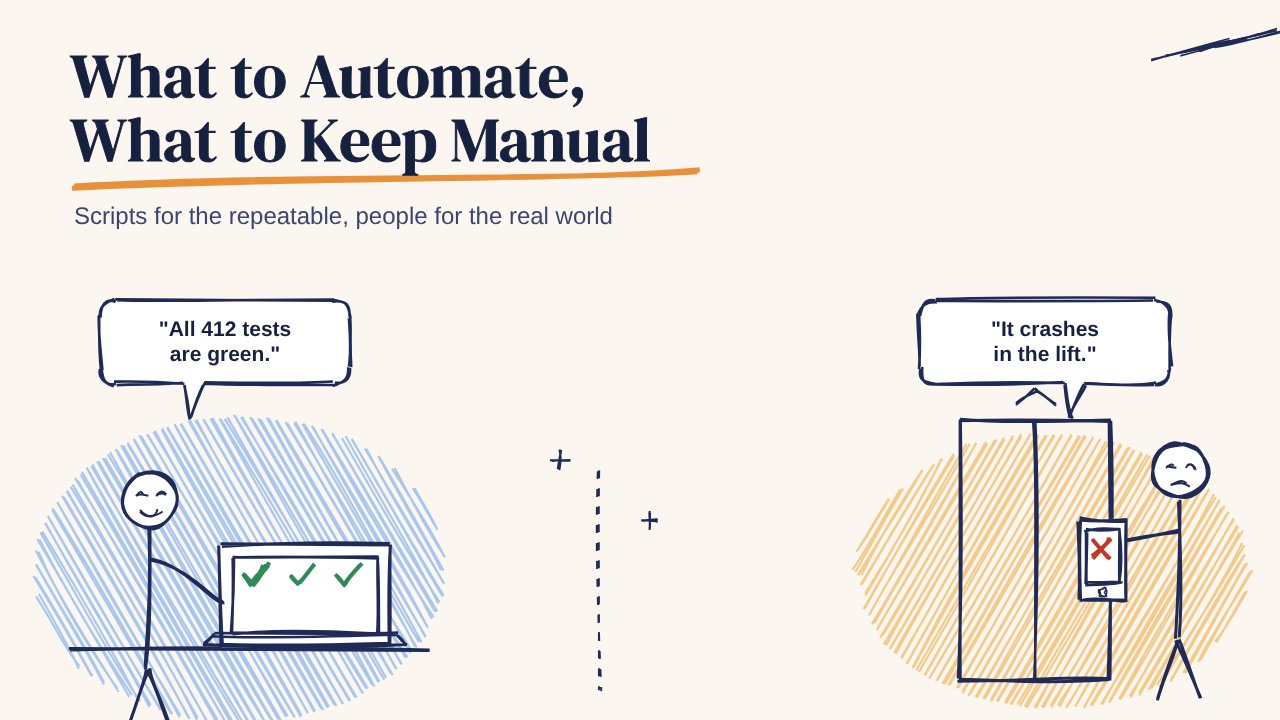
If you're new to the topic, start with what to automate and what to keep manual.
1. Automate from the bottom of the stack up
Put most checks in unit and API tests, fewer in UI tests. A UI test that logs in, adds an item and checks the total can take 40 seconds and break when a button moves. The same rule checked at the API takes milliseconds and rarely breaks.
Example: test the discount calculation with 30 inputs at the API level. Keep one UI test that proves the discount shows on screen.
2. Pick candidates by frequency, stability and risk
Automate checks that run every release, on screens that rarely change, where a failure would hurt. A payment confirmation screen qualifies. A promo banner that changes weekly doesn't.
3. Make every test independent
Each test should create its own data and clean up after itself. Tests that depend on the order they run in, or on an account another test changed, fail at random and waste hours.
Example: instead of reusing one shared test user, create a fresh user through the API at the start of each test.
4. Treat flaky tests as bugs, with an owner
A test that fails one run in ten trains the team to click "re-run". Quarantine it the day it flakes, give it an owner, and fix or delete it within a sprint. A smaller suite people trust beats a big one they ignore.
5. Use stable selectors, not screen positions
Find elements by accessibility IDs or test IDs, not by XPath chains or pixel coordinates. Stable selectors survive layout changes, and they also push the team to label elements properly, which helps screen reader users too.
6. Review AI-written tests like any other code
AI agents can write a hundred test cases in minutes. Check them for three common gaps:
- They often assert what the code already does, so they pass by design.
- They lean towards the happy path and skip the interruptions, retries and bad networks where real bugs live.
- They sometimes test mocks instead of behaviour.
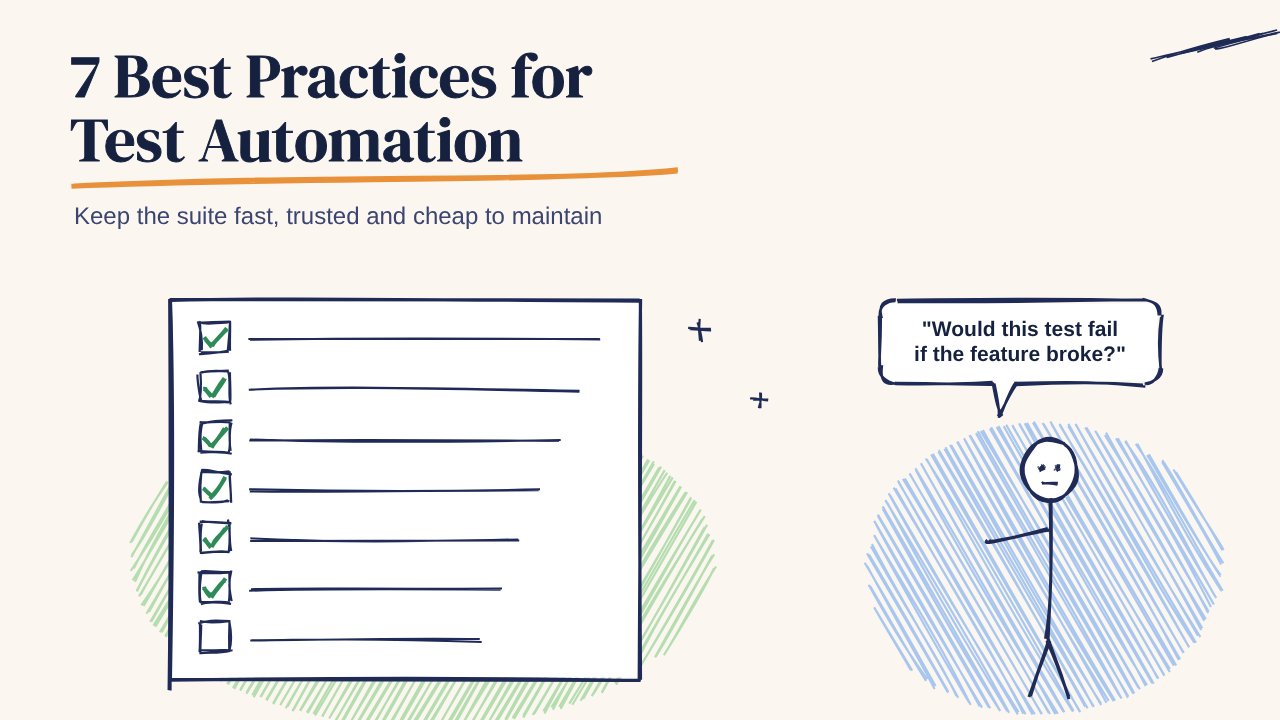
Ask of each generated test: would this fail if the feature broke? If not, rewrite it or drop it.
7. Know where automation stops
Some checks don't belong in a script:
- An OTP SMS arriving late on a weak carrier route
- A budget Android killing the app while the user is in another app
- A video call surviving a Wi-Fi to mobile data switch
- Whether a confused first-time user can finish sign-up
These need people on real phones. Plan exploratory sessions before releases and keep them out of the automation backlog. See manual vs automated testing for how to split the work.
A quick health check for your suite
- Does a full run finish before a developer loses focus, roughly 10 minutes?
- Is the flaky rate under a few percent?
- Does every failing test point to one clear cause?
- Did the suite catch a real bug in the last month?
If the answer to the last question is no, the suite is checking things that don't break. Move effort to the areas that do.
Where 99tests fits
99tests covers the seventh practice: exploratory testing by real testers on real Android phones and iPhones across Indian cities and networks, with a report in 3 business days. Packages start at ₹9,999 + GST. The free test case library marks which cases need a real phone, which is a quick way to see where your automation should stop.